Sightline
MCP server
A screenshot MCP server for Claude Code, Codex and Cursor
One local MCP server gives any AI agent 24 tools to capture, read, compare, mark up and record your Mac screen.
Give your AI agent eyes on your Mac.
Agents can’t see your screen on their own. Sightline is a Mac screenshot app with a screenshot MCP server built in, so Claude Code, Claude Desktop, Codex, Cursor or any MCP client can take the screenshot itself.
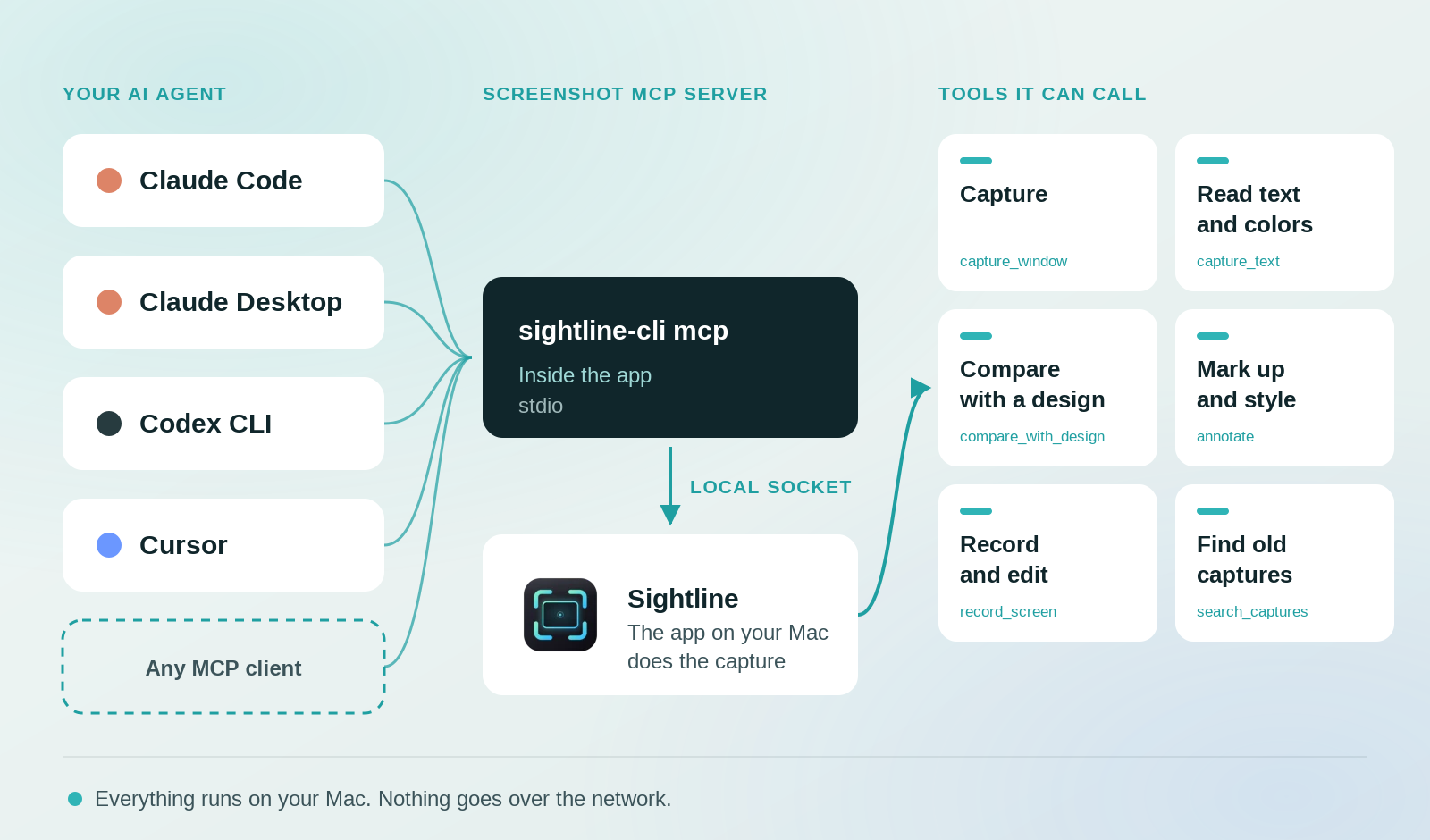
What the screenshot MCP server can do.
The Mac App Store version has 24 tools. The same tools run from the terminal with sightline-cli.
- Capture a display, an area or a window by app or title
- Read the screen: text, QR codes, barcodes and colors
- Compare with a design and get numbered differences
- Mark up with boxes, arrows, numbers, text and blur
- Record up to 60 seconds, then cut, zoom or export a GIF
- Find old captures by the text inside them
Connect your client.
- Turn on agent accessIn Sightline, open Settings › AI Agents and turn on Allow AI agents to use Sightline.
- Click ConnectOne click for Claude Code, Claude Desktop and Codex CLI. Then start a new session.
- Or add it by handAny client that starts a stdio server works, such as Cursor.
Cursor reads this entry from ~/.cursor/mcp.json, Claude Desktop from its claude_desktop_config.json:
{
  "mcpServers": {
    "sightline": {
      "command": "/Applications/Sightline.app/Contents/MacOS/sightline-cli",
      "args": ["mcp"]
    }
  }
}Codex CLI reads a block in ~/.codex/config.toml. Both are in the MCP setup guide.
More than a screencapture wrapper.
A small script around macOS screencapture returns a raw image. Sightline does the capture in its own app and adds what an agent needs next.
- Editable results that open in the Sightline editor
- Live edits in the editor you already have open
- Design checks that number every mismatch
- Smaller context when a file path is enough
Safe by default.
- Off until you turn it on in Settings › AI Agents
- Each agent asks first: once, this session or always
- A banner names the agent on every capture
- Local only: no account, no analytics, no network
Questions
What is a screenshot MCP server?
A program that lets an AI agent take and read screenshots through the Model Context Protocol. In Sightline it is sightline-cli mcp, which comes inside the app.
Does my terminal need Screen Recording permission?
No, only Sightline does. The server hands every call to the running Sightline app, which captures with its own permissions.
Can it record the screen too?
Yes, up to 60 seconds per call on macOS 15 or later. Agent recordings never include the microphone or the camera.
Can it hide passwords and keys?
On Macs with Apple Intelligence, yes. With Check captures for sensitive content and Hide flagged credentials from agents on, text that looks like a password, key or token is blurred in images an agent gets.
Does it cost anything?
Sightline is a free download. Agent access is part of Sightline Pro: 7 days free, then $3.99 a month, $24.99 a year or $29.99 once (US prices).
Using Claude Code? See how Claude Code checks your app against the design.
Claude and Claude Code are trademarks of Anthropic, Codex of OpenAI and Cursor of Anysphere. Sightline is not affiliated with or endorsed by them.
More resources
 AI agents
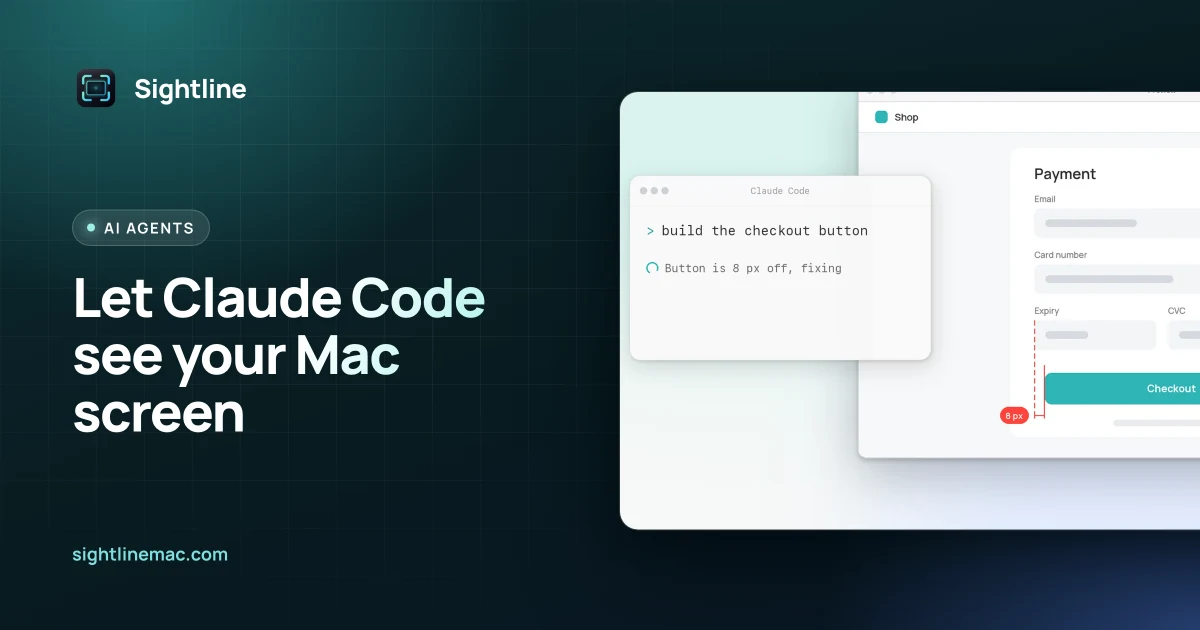
Let Claude Code see your Mac screen
Give Claude Code screenshots it takes itself. Sightline’s MCP server lets Claude Code capture a window on your Mac, compare it with your design, number what differs and fix it.
Read →
 Offers
Black Friday: 3 months of Sightline Pro free
Two App Store offer codes: SIGHTLINEEARLY gives 3 months of the yearly plan free, then $24.99/year. SIGHTLINELIFEDISCOUNT26 gets lifetime for $22.99 instead of $29.99.
Read →
 Design QA
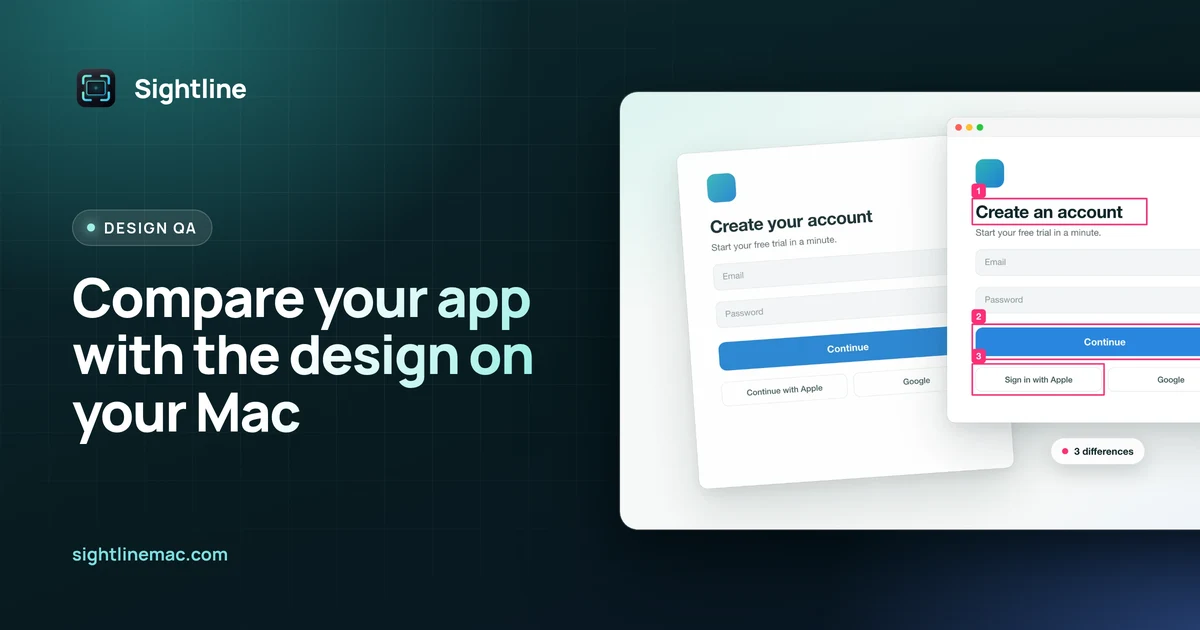
Compare your app with the design on your Mac
Pin the design over your running app and Sightline numbers every spot that differs, says whether it moved, is missing or looks different, and keeps checking while you fix it.
Read →